Translate a PDF to English, same pages, same layout
Drop a PDF in Chinese, Japanese, Spanish, German, French or any other language and get the English version back as a PDF that looks like the original.
- $2.99 for 50 pages, once
- 5 free pages a day
- Scanned PDFs too
- Translated + bilingual PDF
5 pages a day free, no sign-up, no watermark. More: 50 pages $2.99 · 150 pages $5.99 · 500 pages $12.99 — pay once, pages never expire.
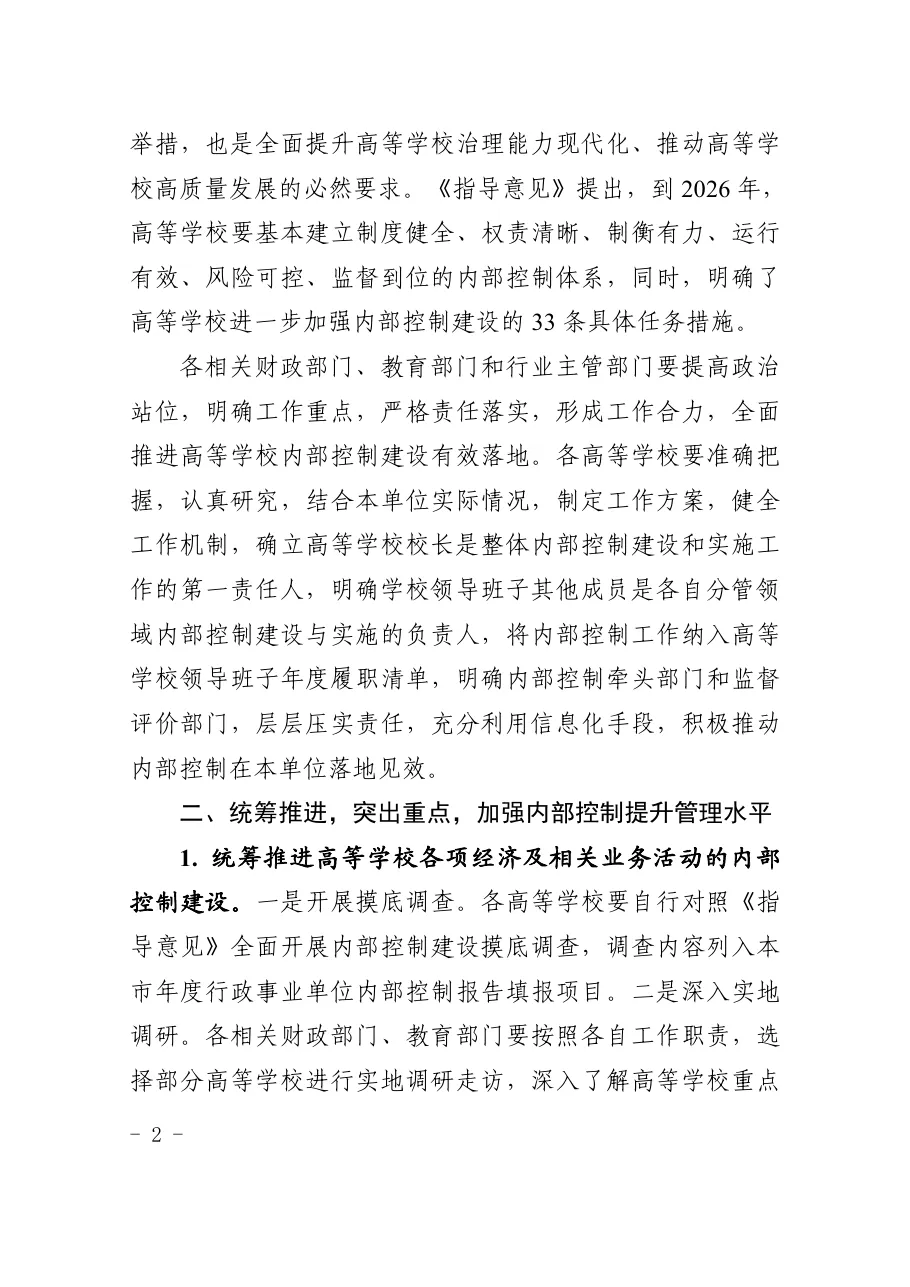
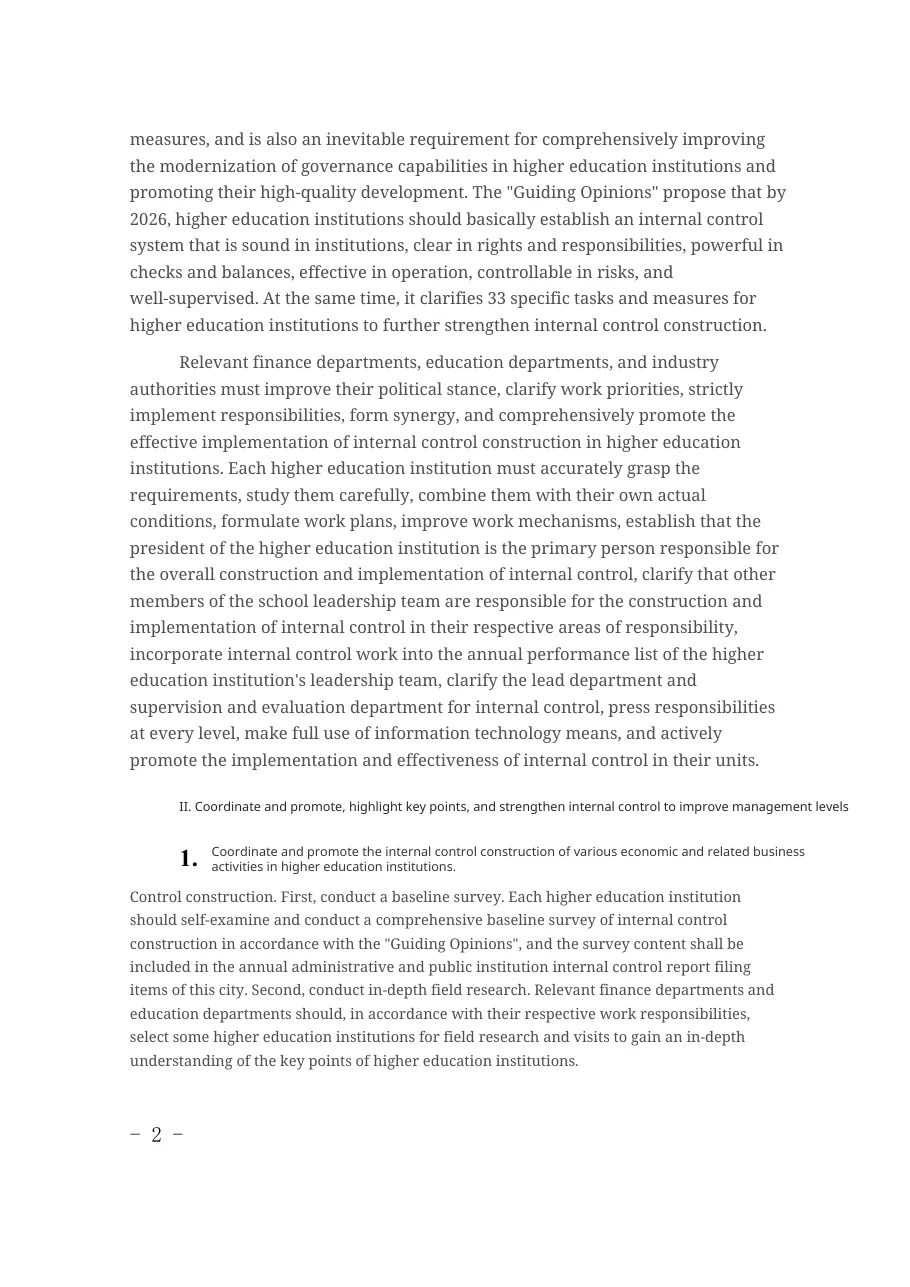 ChineseEnglish
Chinese noticeReal output · no edits
In shortSameLayout turns a PDF in any language into an English PDF with the original layout: each paragraph, heading and table cell is replaced in its own box, and images, columns and page size are untouched. 5 pages a day are free with no sign-up; after that it is $2.99 for 50 pages, paid once. Scanned PDFs are supported with OCR, and you also get a bilingual side-by-side PDF.
Why the English version usually breaks
English is longer than Chinese or Japanese and often longer than German. Most translators either drop the layout and give you plain text, or paste the longer English over the original boxes so it runs into the next column.
SameLayout measures every block, wraps the English to the block's width and shrinks the font only as much as needed — never below a readable size — so the page keeps its shape. The layout test reports exactly how many blocks needed shrinking.
What you get
- An English PDF with the same page size, images, tables, lines and colours
- A bilingual PDF: original page on the left, English on the right
- Numbers, names, e-mails, URLs and formulas kept as they are
- Scanned pages read with OCR and repainted in English
The same page, in another language
Drop the PDF
It is opened in your browser. SameLayout finds every paragraph, heading, table cell and caption, with its position, size and colour. Pages that are only a scan are detected too.
Translate the text
Only the text of each page is sent to the translation model (a scanned page goes as an image, 2 pages of quota). Numbers, names, e-mails and formulas are kept as they are.
Rebuild the page
Each translation is written back into its own box — wrapped and sized to fit — on top of the original page, so images, tables, lines and columns are untouched. Download it, or the bilingual side-by-side PDF.
More real files, untouched output
Each pair is the first output of the translator on a public document — no manual fixes. Left: original. Right: SameLayout.
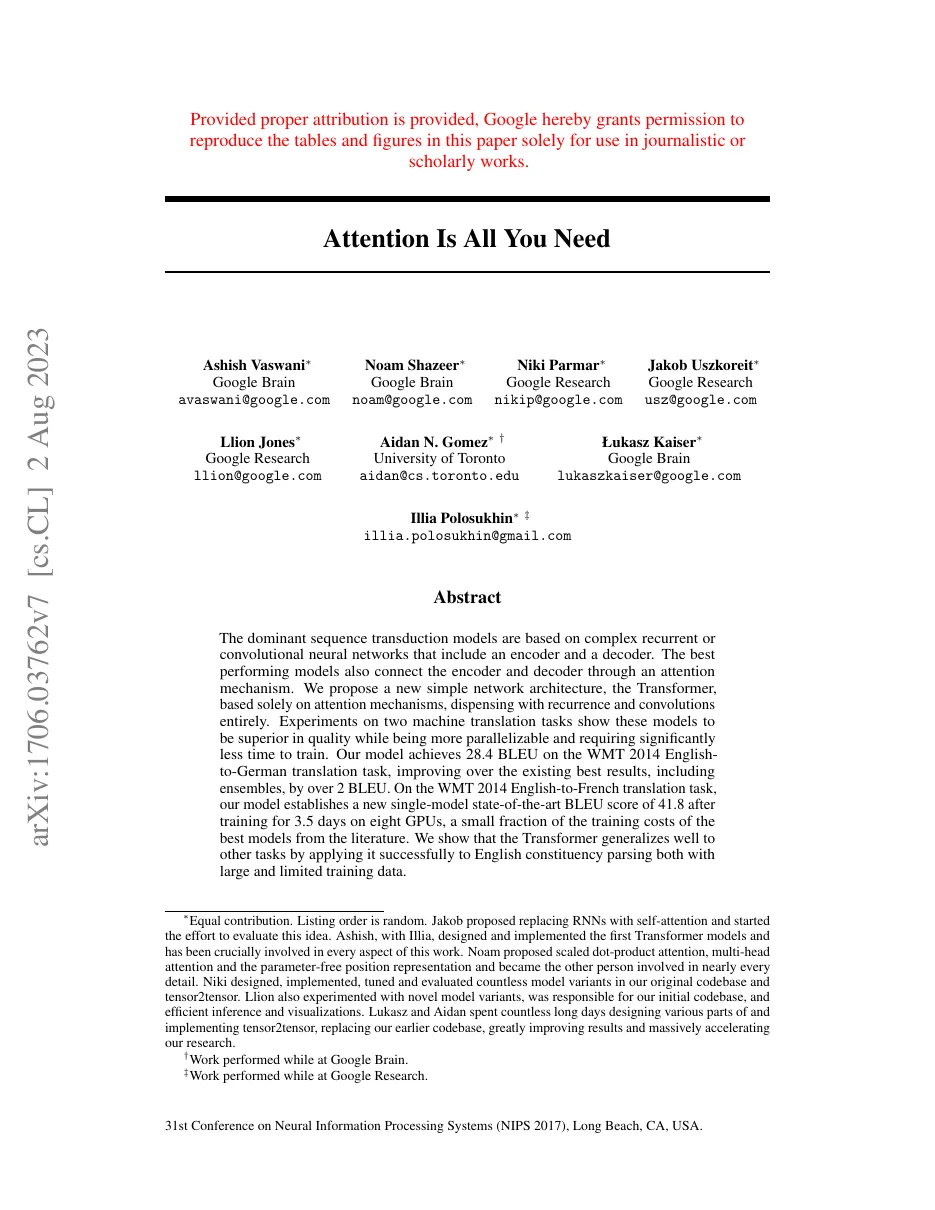
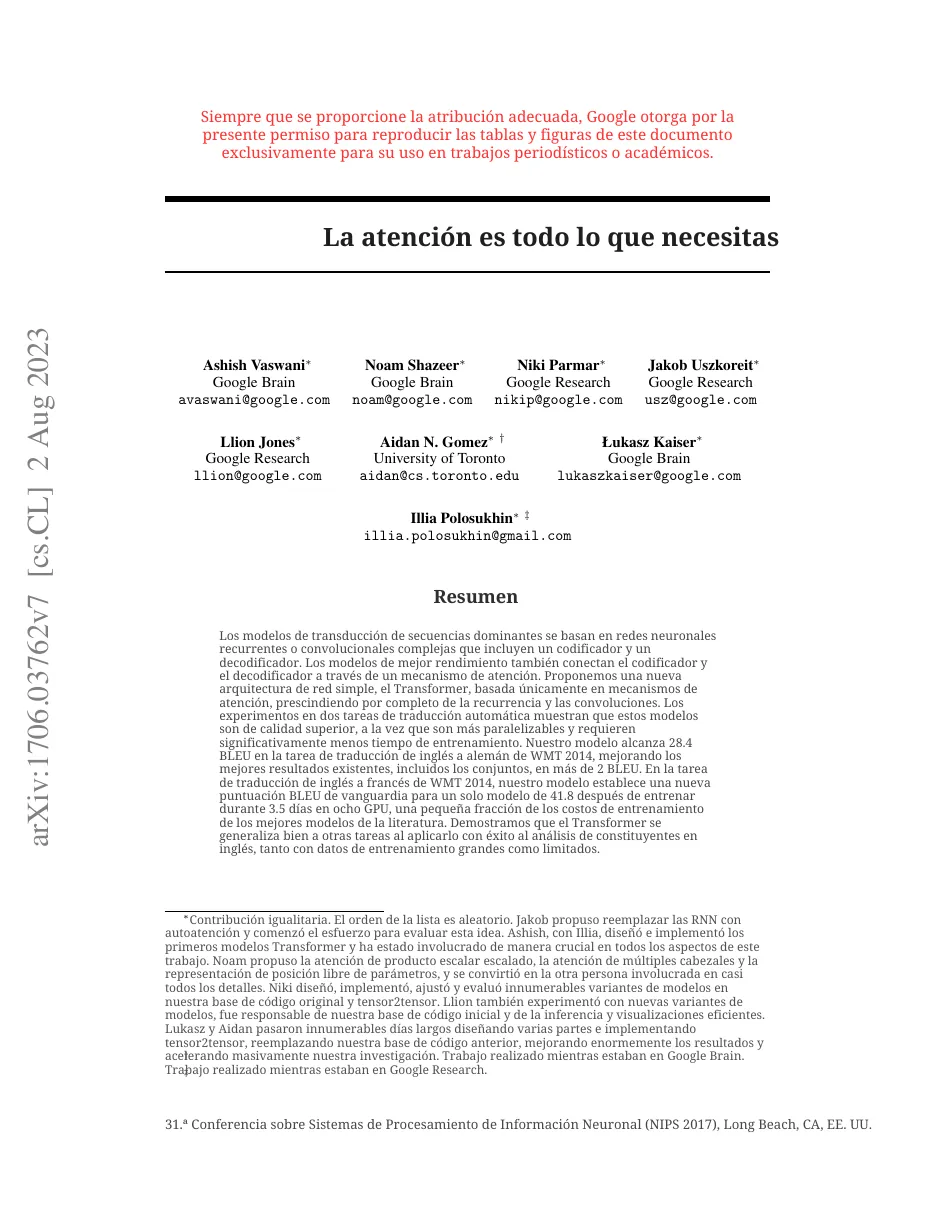
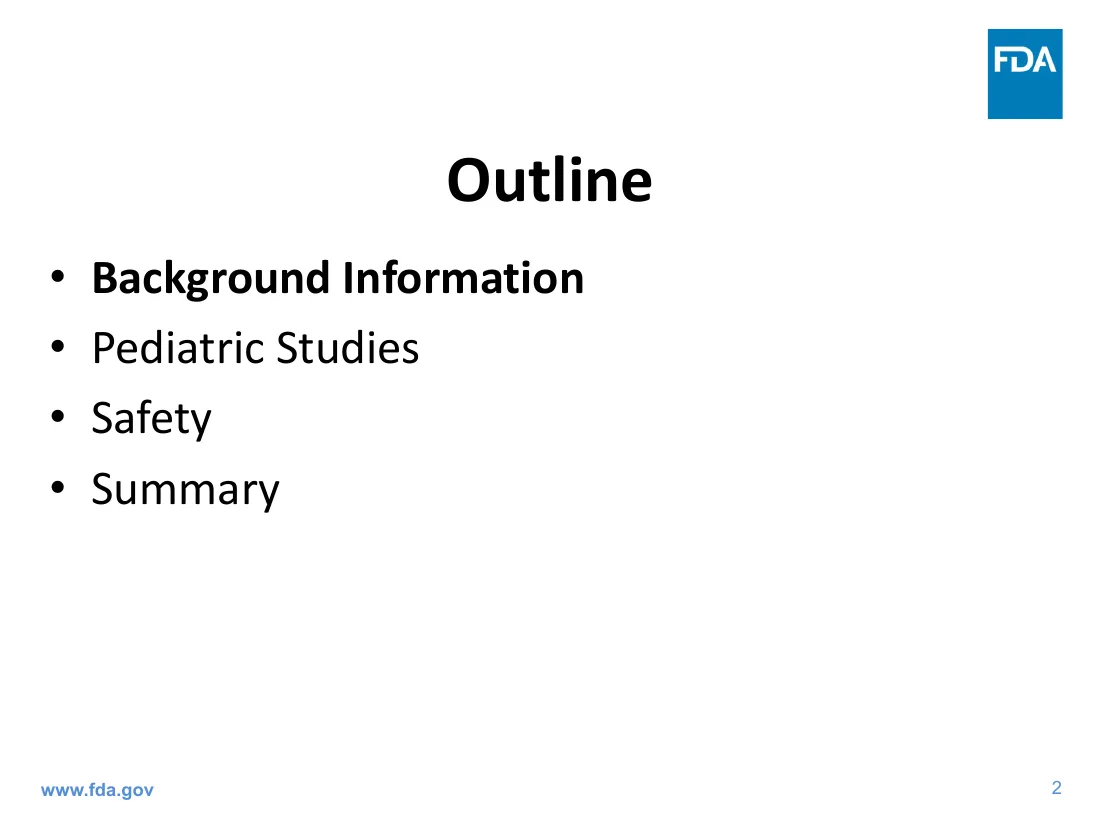
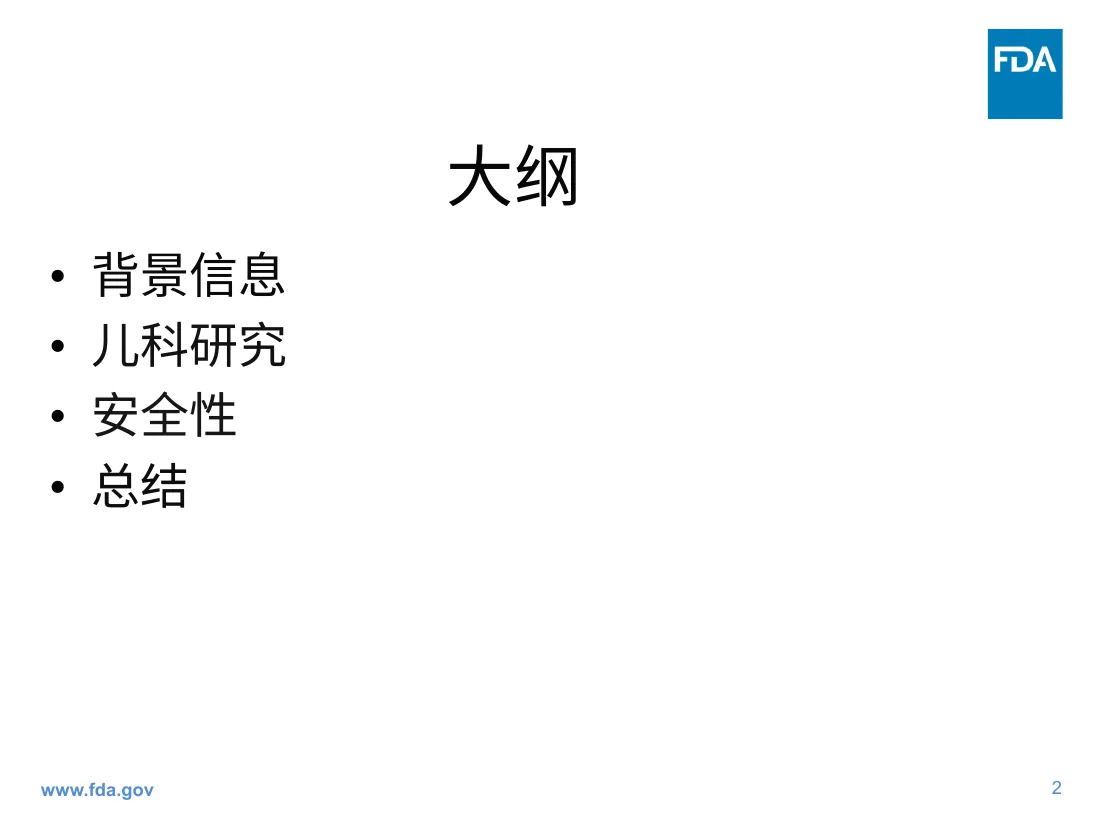
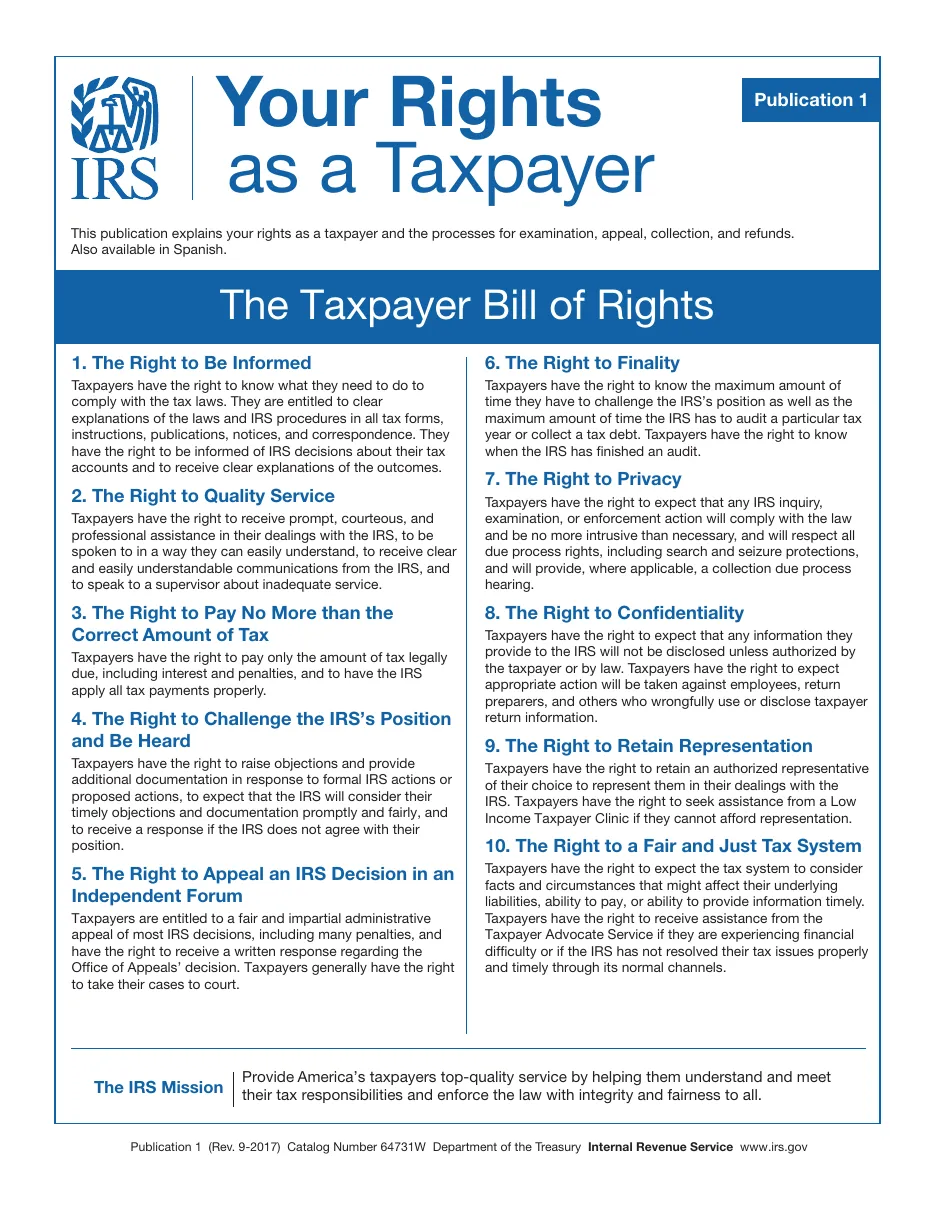
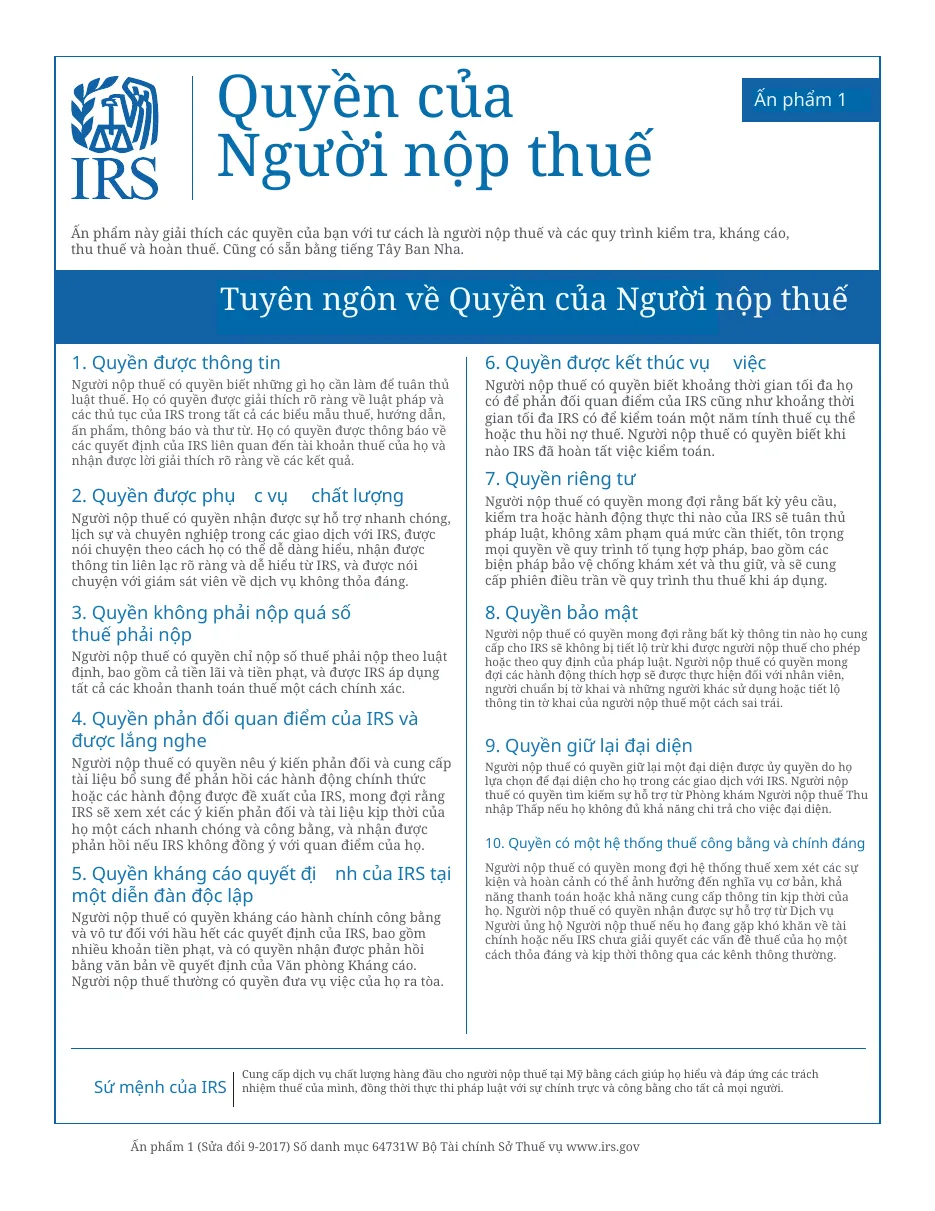
More samples, scores and the overflow count: the layout preservation test.
Everything that matters, before you upload
Price, free pages, scans, bilingual output and privacy — the things other PDF translators hide behind a sign-up.
| Price for a 50-page PDF | $2.99 once (6.0¢ a page). No subscription, nothing renews |
|---|---|
| Free | 5 pages a day, no sign-up, no watermark |
| Layout | Kept: same page size, images, tables, columns, fonts sized to fit |
| Downloads | Translated PDF + side-by-side bilingual PDF |
| Scanned PDFs | Supported (OCR) — a scanned page counts as 2 pages |
| Unused pages | Never expire |
| Privacy | The PDF is rebuilt in your browser. Only page text (or a scanned page's image) is sent to translate it; nothing is stored |
Questions
Can I translate a Chinese PDF to English and keep the format?
Yes. Chinese official documents, reports and leaflets are a main use case. Lines that belong to one paragraph are joined before translation, so the English reads as whole sentences and is rewrapped inside the original paragraph box.
Is the English translation accurate?
It uses a current large language model with instructions to translate each block faithfully, keep numbers and names, and stay about as long as the source. Always have a professional check documents with legal effect.
How much does a 50-page PDF to English cost?
$2.99, once (6 cents a page). The first 5 pages each day are free.