Translate a scanned PDF and keep the page as it was
Image-only pages are detected automatically. The text is read with OCR, translated, and painted back over the original in matching colours — stamps, signatures and photos stay.
- Scanned page = 2 pages
- 5 free pages a day
- $2.99 for 50 pages, once
- No account
5 pages a day free, no sign-up, no watermark. More: 50 pages $2.99 · 150 pages $5.99 · 500 pages $12.99 — pay once, pages never expire.
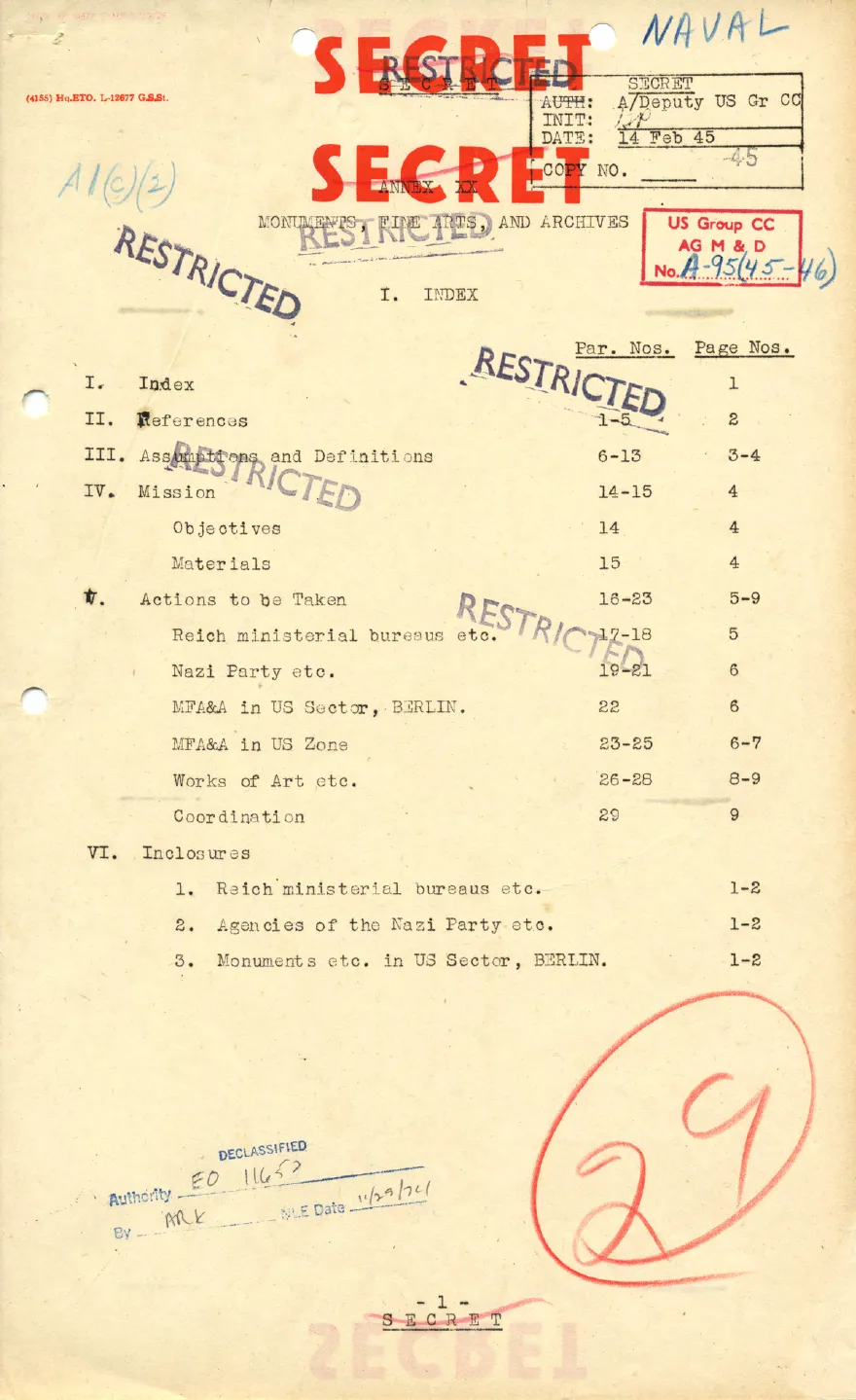
 EnglishFrench
Scanned typewritten pageReal output · no edits
In shortSameLayout translates scanned PDFs: any page that is only an image is read with OCR, translated, and the translation is painted into the same spot on the page image, on the original paper colour. Mixed files (some text pages, some scans) are handled page by page. A scanned page counts as 2 pages of quota; 5 pages a day are free and packs start at $2.99 for 50 pages, paid once.
How a scanned page is translated
- The page is rendered in your browser and recognised as image-only (no text layer)
- The page image is sent once to a vision model that returns each text region and its translation
- Each region is covered with the colour sampled around it and the translation is written in the ink colour sampled inside it
- The repainted page replaces the scan in the output PDF; untouched areas keep the original pixels
Good to know
Handwriting and very low-resolution scans are read less reliably than typed text. Tables in scans keep their lines because only the text regions are repainted.
A page that fails is not charged — you can retry it.
The same page, in another language
Drop the PDF
It is opened in your browser. SameLayout finds every paragraph, heading, table cell and caption, with its position, size and colour. Pages that are only a scan are detected too.
Translate the text
Only the text of each page is sent to the translation model (a scanned page goes as an image, 2 pages of quota). Numbers, names, e-mails and formulas are kept as they are.
Rebuild the page
Each translation is written back into its own box — wrapped and sized to fit — on top of the original page, so images, tables, lines and columns are untouched. Download it, or the bilingual side-by-side PDF.
More real files, untouched output
Each pair is the first output of the translator on a public document — no manual fixes. Left: original. Right: SameLayout.
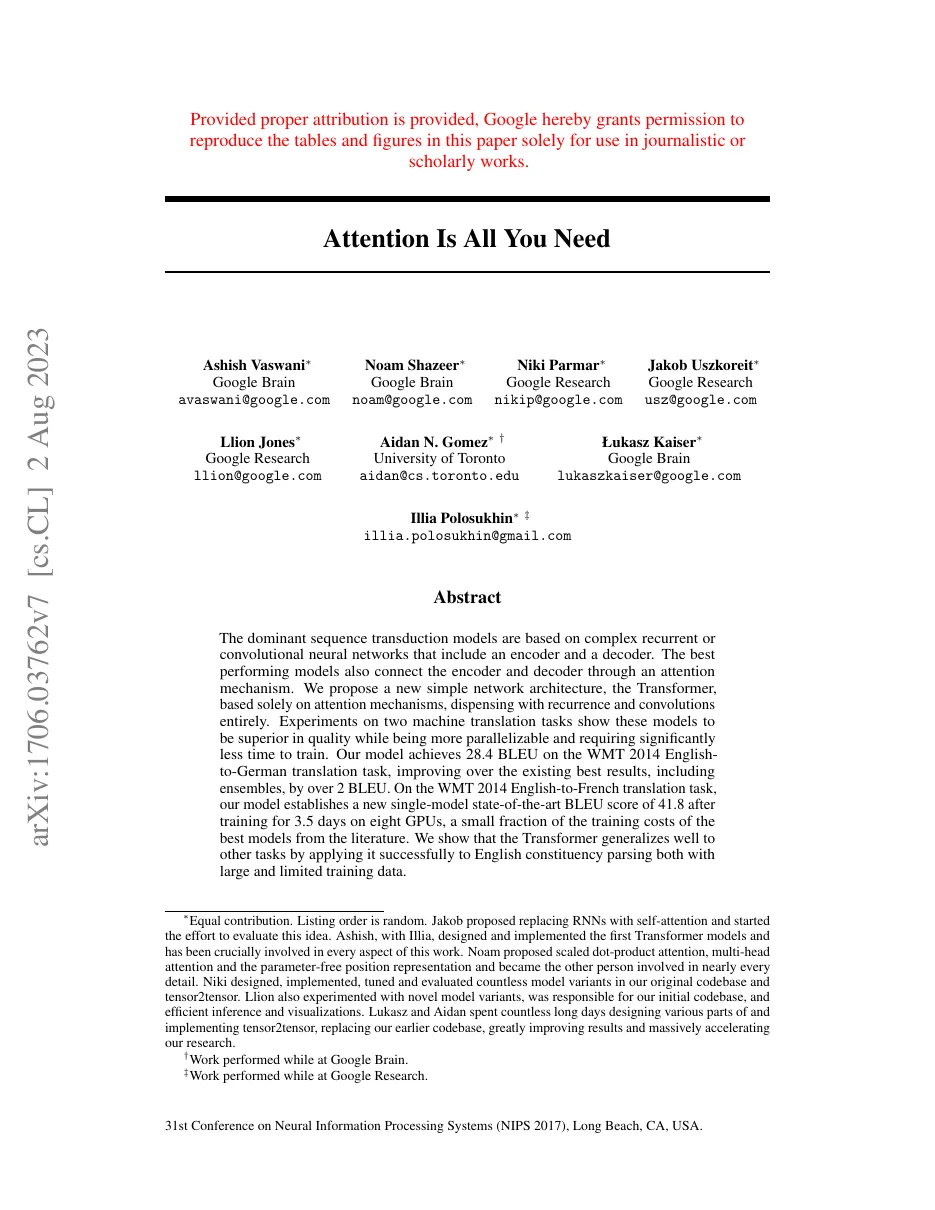
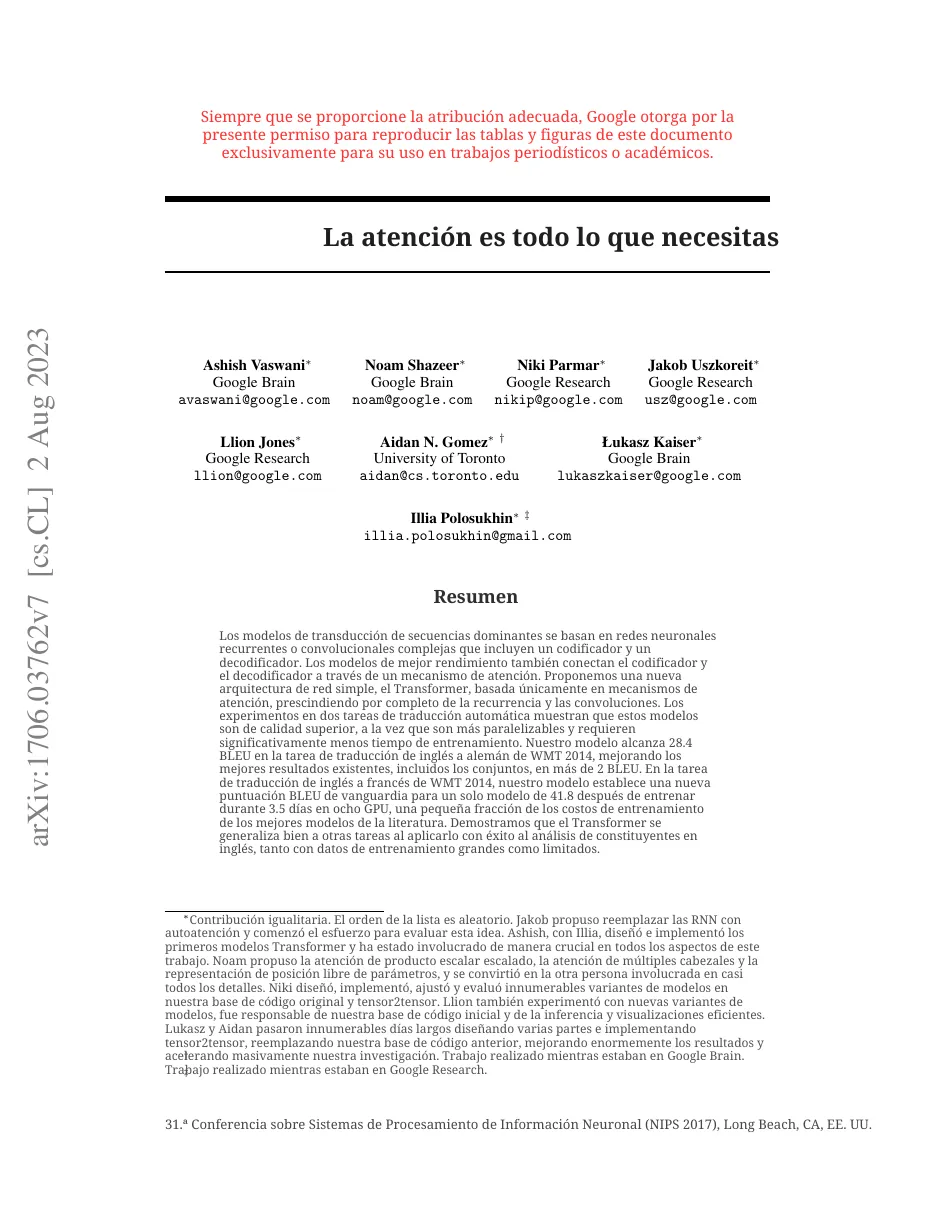
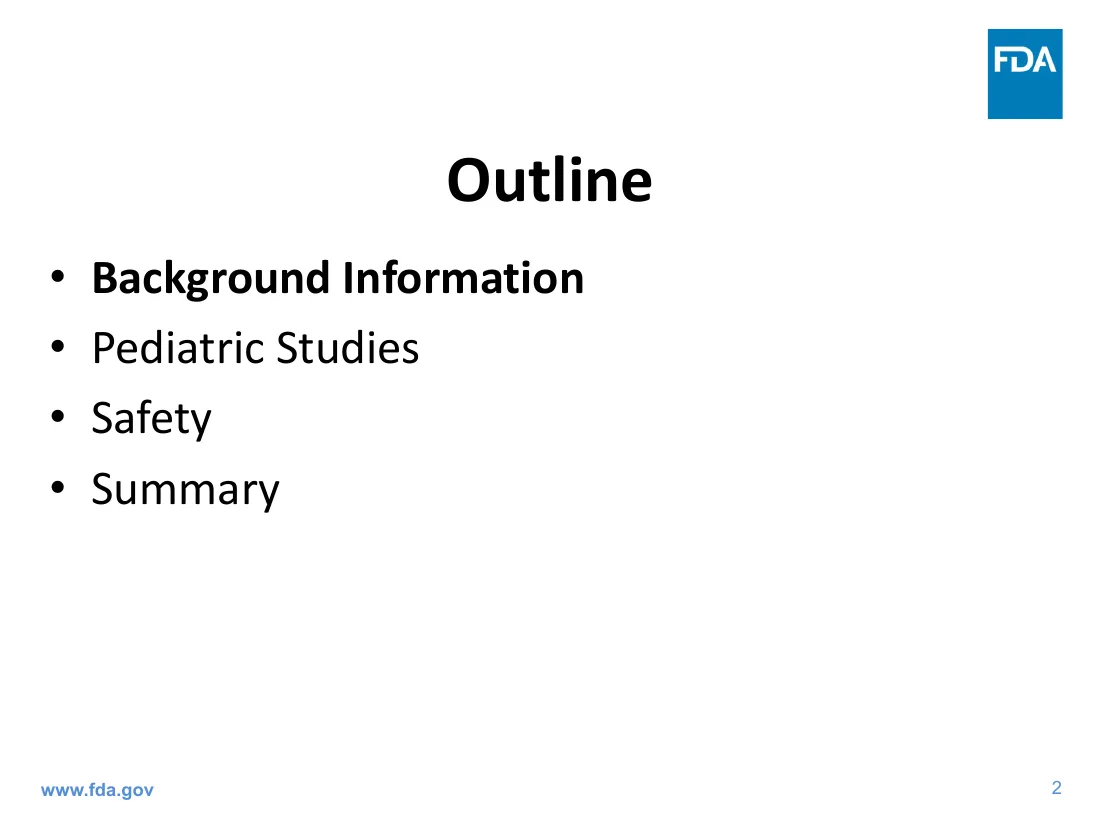
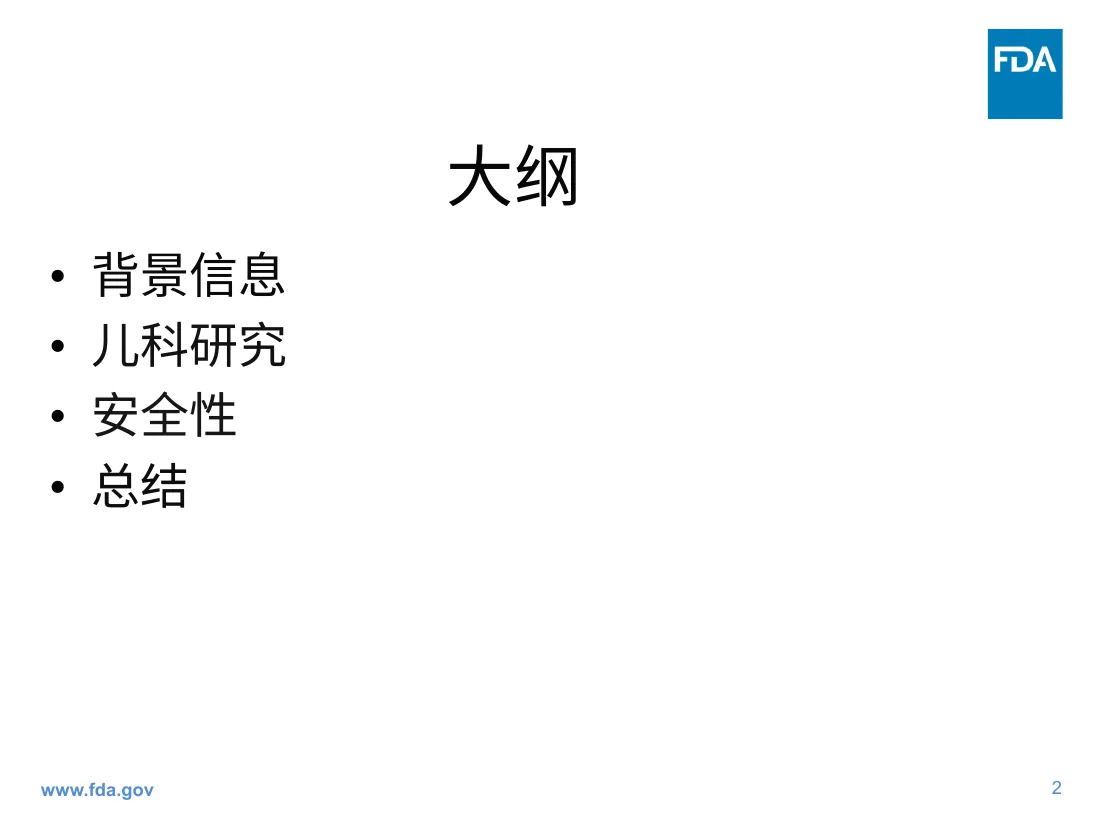
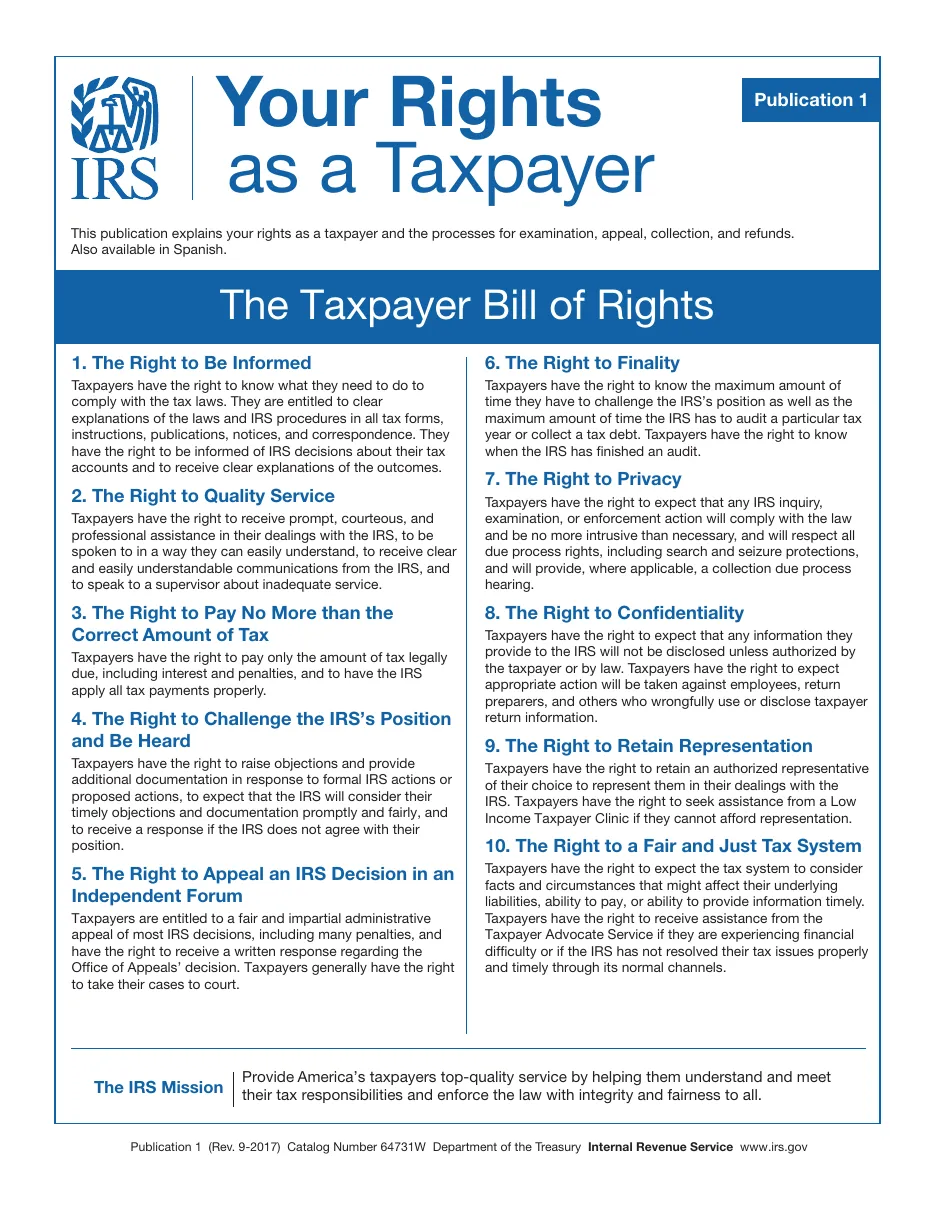
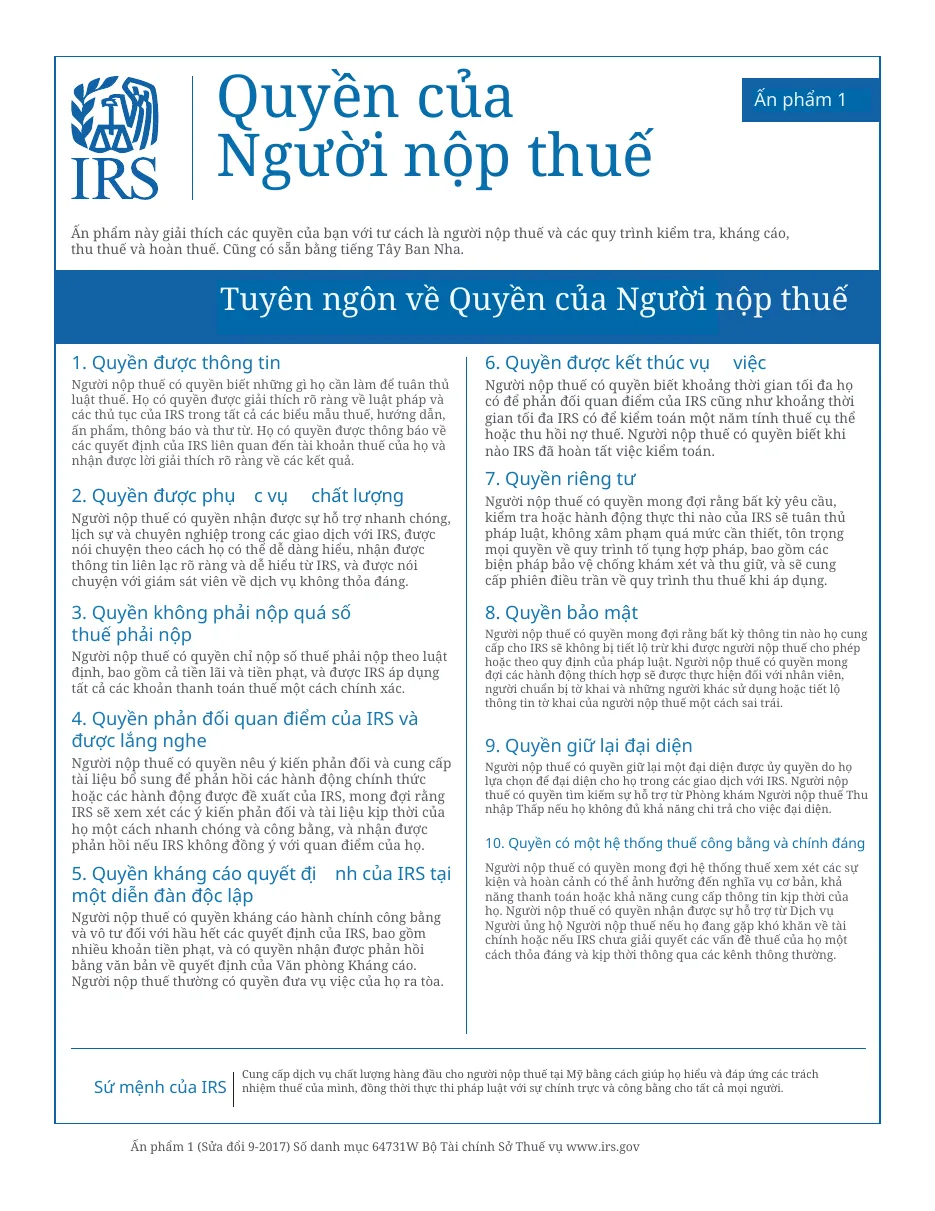
More samples, scores and the overflow count: the layout preservation test.
Everything that matters, before you upload
Price, free pages, scans, bilingual output and privacy — the things other PDF translators hide behind a sign-up.
| Price for a 50-page PDF | $2.99 once (6.0¢ a page). No subscription, nothing renews |
|---|---|
| Free | 5 pages a day, no sign-up, no watermark |
| Layout | Kept: same page size, images, tables, columns, fonts sized to fit |
| Downloads | Translated PDF + side-by-side bilingual PDF |
| Scanned PDFs | Supported (OCR) — a scanned page counts as 2 pages |
| Unused pages | Never expire |
| Privacy | The PDF is rebuilt in your browser. Only page text (or a scanned page's image) is sent to translate it; nothing is stored |
Questions
Do I need to OCR the PDF first?
No. Scanned pages are detected and read automatically. If your PDF already has a text layer (for example from Acrobat OCR) the faster text path is used.
Why does a scanned page cost 2 pages?
It needs two steps — reading the text from the image and translating it — and the image is larger to process than text.
Will stamps and signatures stay?
Yes. Only regions that contain translatable text are repainted; seals, signatures, logos and photos remain the original pixels.